.png?ts=1778831753)


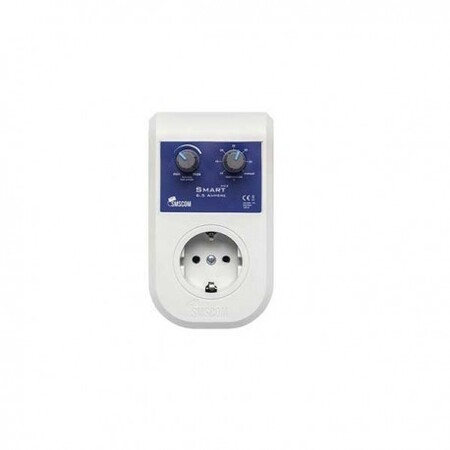
SMS Com Smart Controller 6 A
€14.49
Product information "SMS Com Smart Controller 6 A"
Description
The SMS/STC Smart Controller was developed to keep the temperature in your room constant while controlling the airflow. Once you have set the desired temperature, the Smart Controller automatically ensures the perfect climate.
How does it work?
The Smart Controller uses our Motion Flow software system and therefore reacts very differently from most other controllers. When you first install the Smart Controller, it takes 5 - 10 minutes to scan your room to determine the right fan speed. The controller then knows exactly how fast your fan needs to run to keep the temperature constant. From then on, the Smart Controller automatically adjusts the fan speed to maintain the set temperature. The Smart Controller has 60 different speeds, allowing seamless fan speed control and more precise temperature control than other controllers. This new technology not only guarantees extremely precise temperature control but also means less noise and a longer fan life. The Smart Controller is plug-and-play, so no wiring is needed. You just connect the fan, set the desired temperature and the minimum fan speed, and the Smart Controller does the rest.
User manual
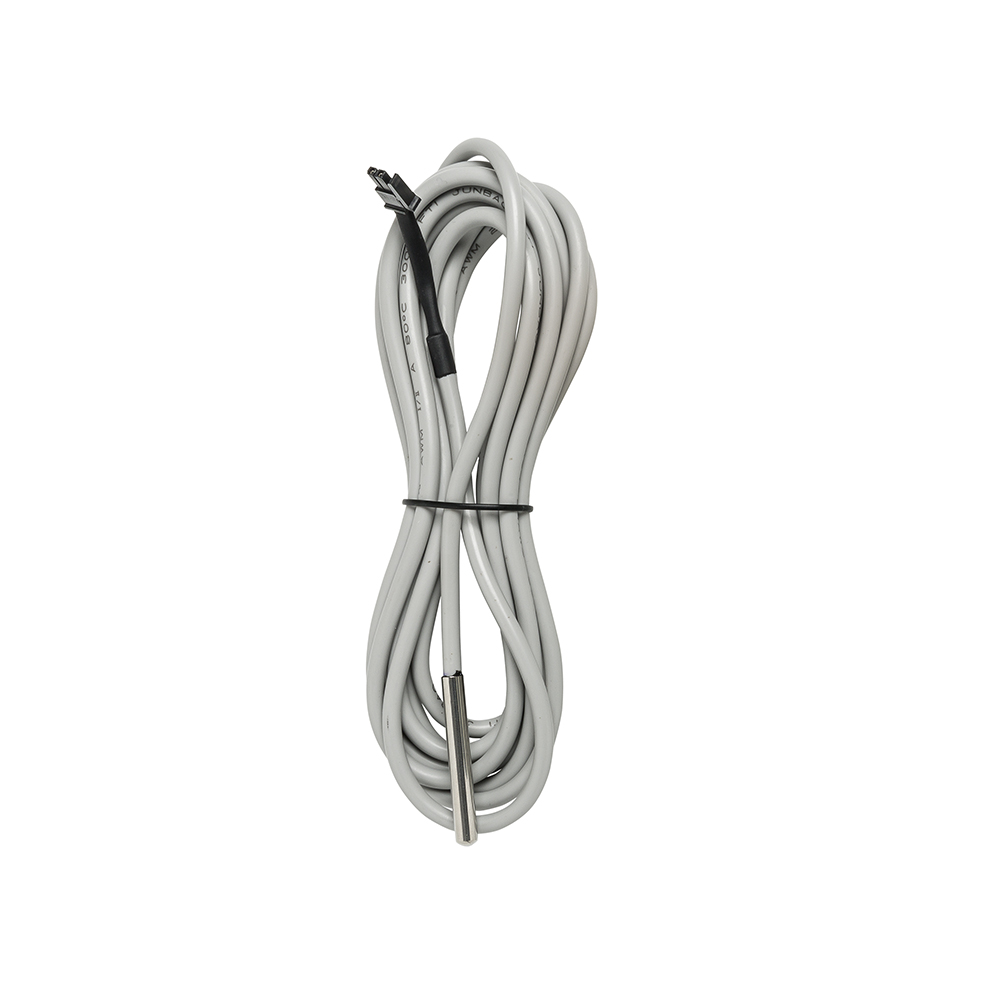
* Plug the temperature sensor into the Smart#.
* Plug the Smart Controller into the socket.
* Place the temperature sensor in the middle of the room.
* Connect your fan to the Smart Controller
* Set the minimum fan speed
* Set the desired temperature
The Smart Controller now scans the room. PLEASE WAIT! This can take 5 to 10 minutes! During the scan, the Smart Controller runs at 100% speed for a few seconds and then at the minimum speed. After 5 to 10 minutes, the controller selects the right speed and no longer needs to be adjusted manually. The Smart Controller automatically adjusts the speed when needed to maintain the temperature.
#Without a temperature sensor, the Smart acts as a manual fan controller.
##Minimum fan speed: this is the lowest speed at which your fan runs. The lower you set the speed, the more you
increase the range of your fan. We recommend setting the speed to the lowest level. This lets the fan run at all possible speeds, from slow to maximum, to keep the temperature constant. If necessary, you can adapt the minimum speed to the type of fan##.
Caution!
Do not place the temperature sensor in the direct airflow of the fan. This can prevent proper operation.
Connecting a fan drawing more than 5 A/1000 watts can cause permanent damage to the device.
Damage or risks resulting from improper use of the device or use not in line with the product specifications are not covered by the warranty.
Product specifications are not covered by the warranty.
Login